Product
Introducing Announcements in Slack
Write an update once in Dench and it goes to every customer channel you choose, now or at a time you set.
The update you send forty times#
If you work with customers in Slack, you have a channel with each of them. It is where the questions get asked and where the relationship lives.
Then you ship something, and you want all of them to hear about it. So you paste the same message into forty channels, one at a time, fix the link preview in each, and still miss two.
We wanted that to be one message.
Write it once#
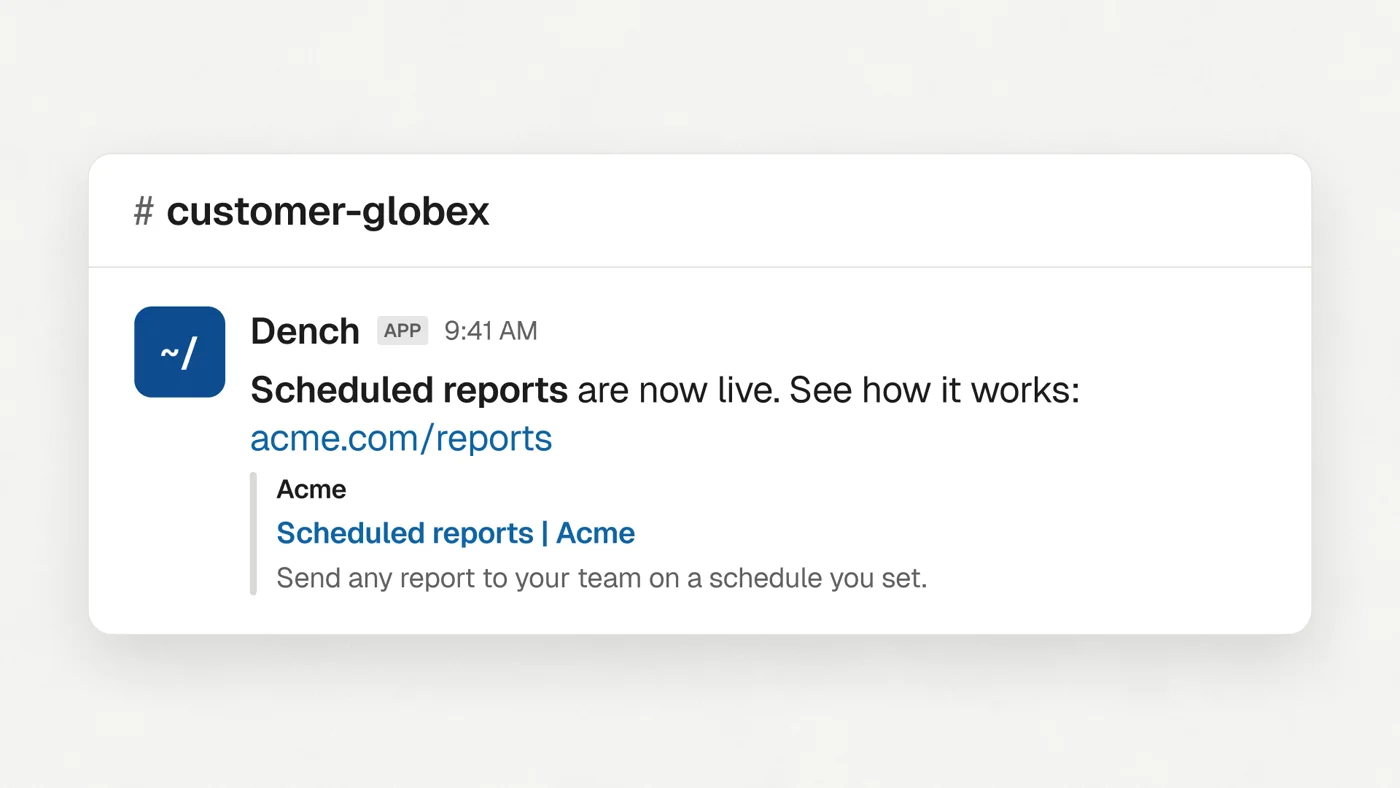
Open Settings, then Dench in Slack, then Announcements, and click New announcement. The message box works like Slack's own: bold, lists, quotes and links. A link shows its preview card, and you can paste or drop in up to five pictures or files.
Before anything goes out, Send test to me puts the message in your own Slack DMs, so you see exactly how it reads.
Choose who gets it#
Channels go in groups. You make a group once and select it every time after.
By name#
Say which channels by their name: every channel that starts with, ends with or contains some text. Every channel starting with customer-, for example. A channel created next month that matches joins the group by itself.

By hand#
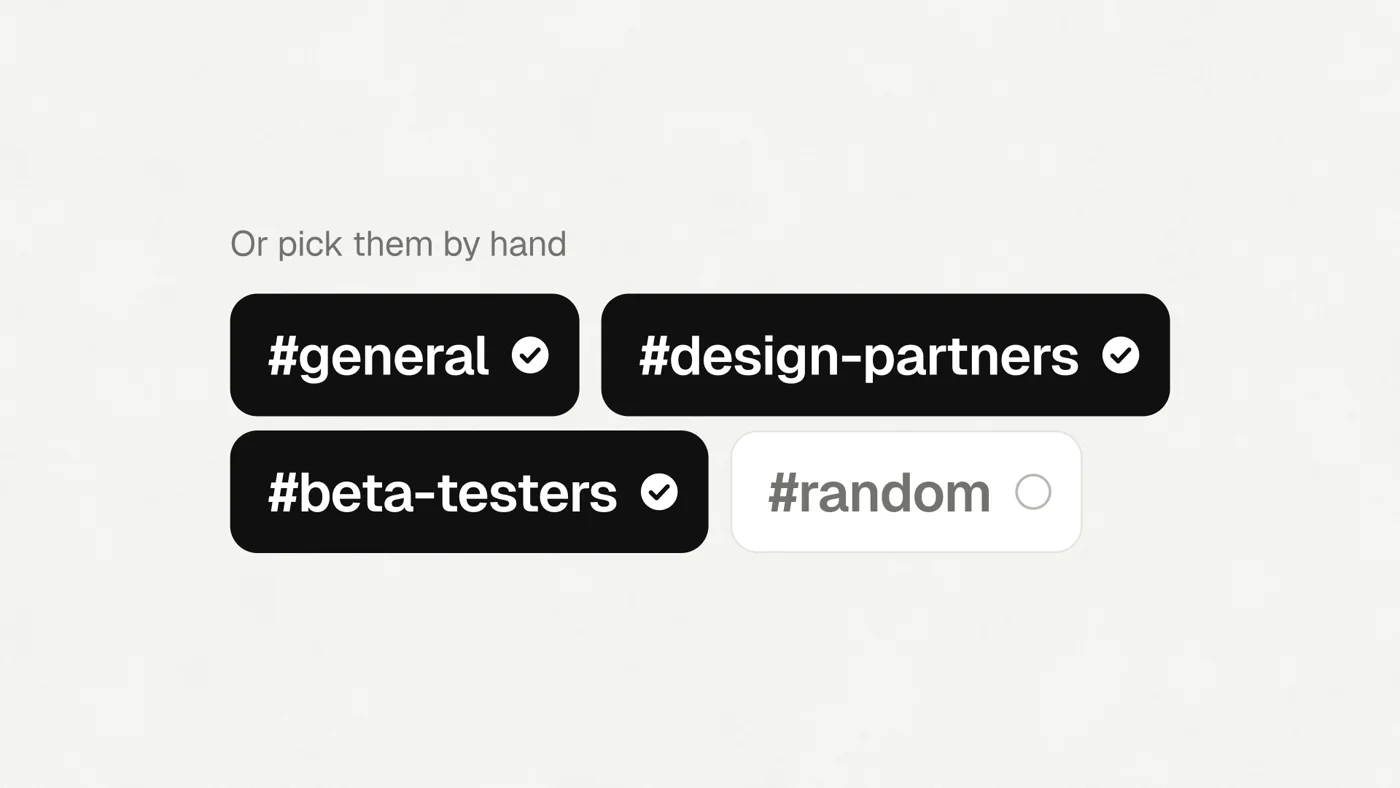
Or pick the exact channels. That group stays exactly those until you change it.
Channels shared with another company are a group already, so the most common send takes one click.
Now, or later#
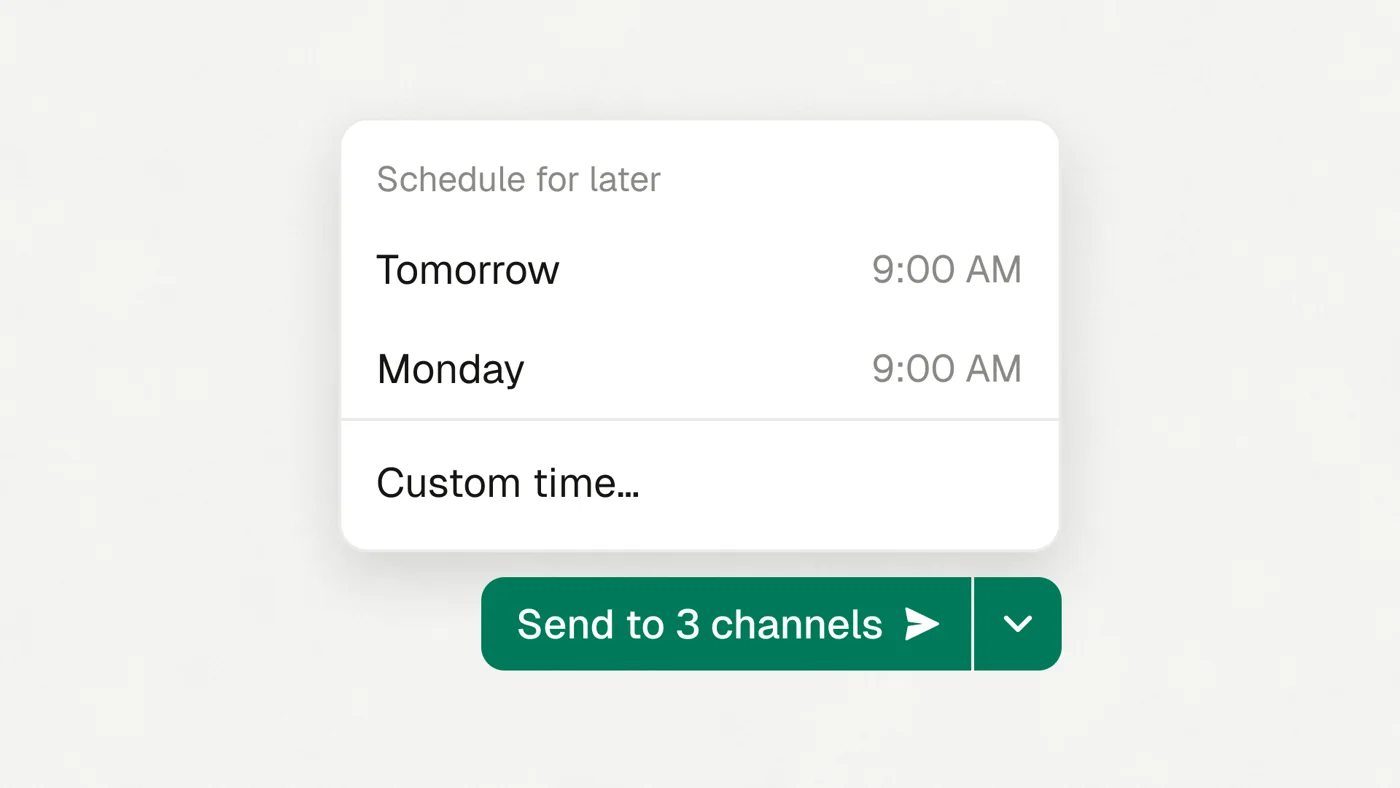
Send it now, or use the arrow next to Send: tomorrow at 9 AM, Monday at 9 AM, or a day and time you set. A scheduled announcement sits at the top of the list. You can change its time or cancel it until it goes.
What Dench will and won't do#
Only a workspace admin can send an announcement, and only the words they typed. No agent, automation or schedule other than your own can send one.
Dench posts to about one channel a second, and only to channels the sender is in. If a channel misses the message, Dench says why and you retry just that channel.
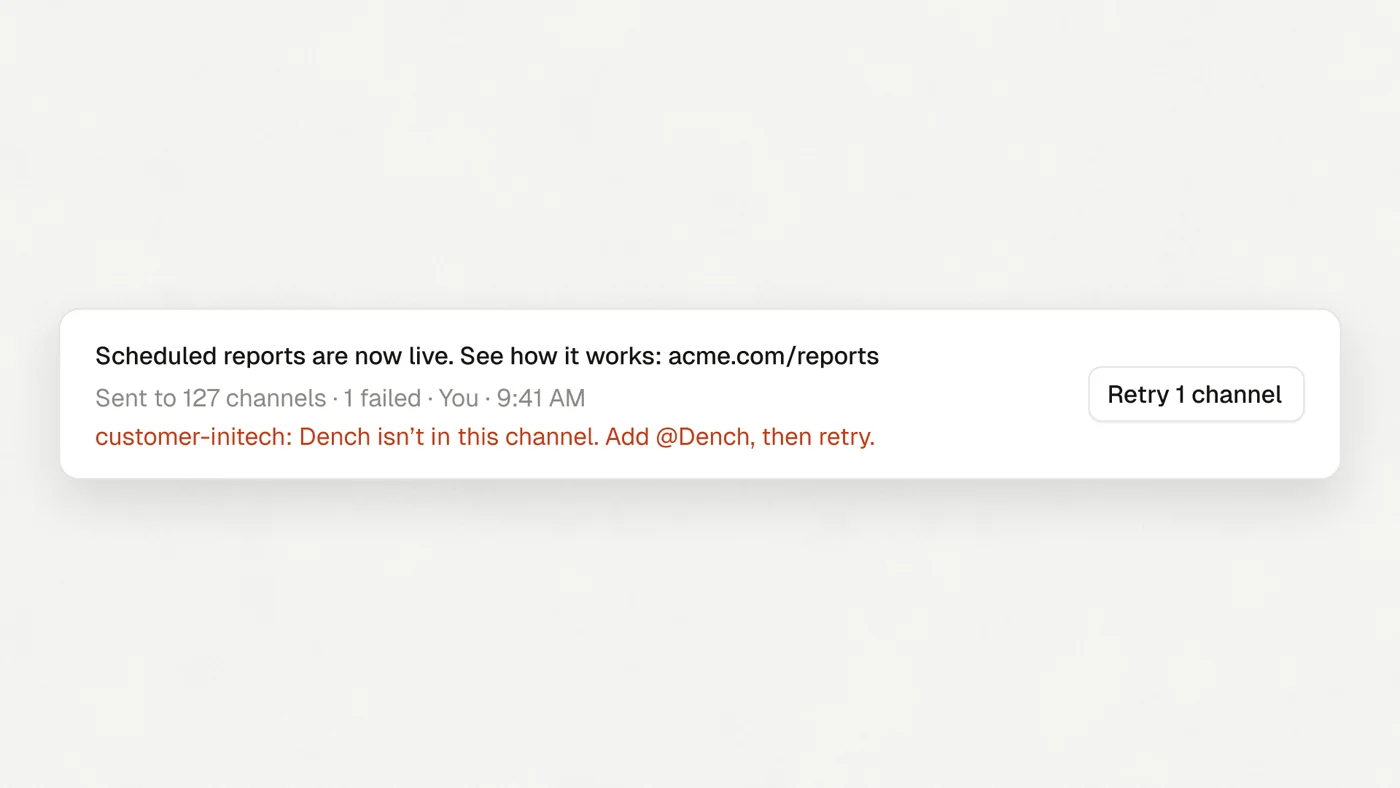
One announcement reaches up to 100 channels today.
Try it#
Open Settings, then Dench in Slack. If Dench isn't in your Slack yet, Add to Slack takes about a minute.