Product
Introducing YC Connectors
YC founders can now connect their Y Combinator account to Dench. Dench can then find YC companies, show who can introduce you to a founder, and help you reach them, from the CRM you already work in.
The network you already have#
If you went through YC, you have one of the best networks a founder can have. Bookface knows who is in it and how you know each other: your batch, your section, your group partner, the founders you have emailed.
Your sales work lives somewhere else. The accounts are in a CRM, the outreach is in another tool, and the replies are in your inbox. So the network that could open the door stays in one tab while the work happens in another.
We wanted them in the same place.
Connect once#
Open Integrations, then Custom MCP. Y Combinator is at the top. Click Connect and sign in with your YC account. There is no token to paste.
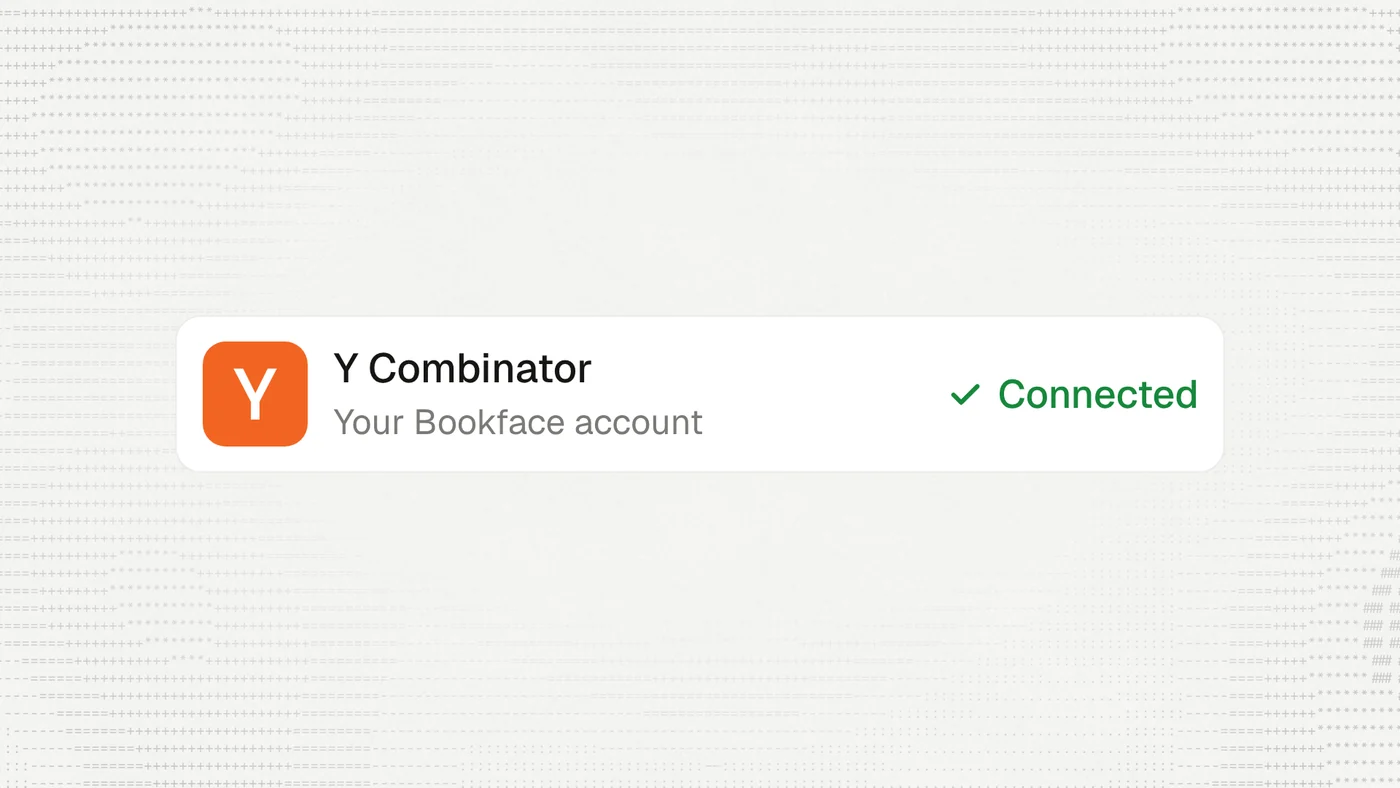
The connection is yours. It starts as Only me, and nobody else in your workspace can see it or use it. You can change it to Everyone in workspace if you want your team to work with it too.
Ask for the companies you want#
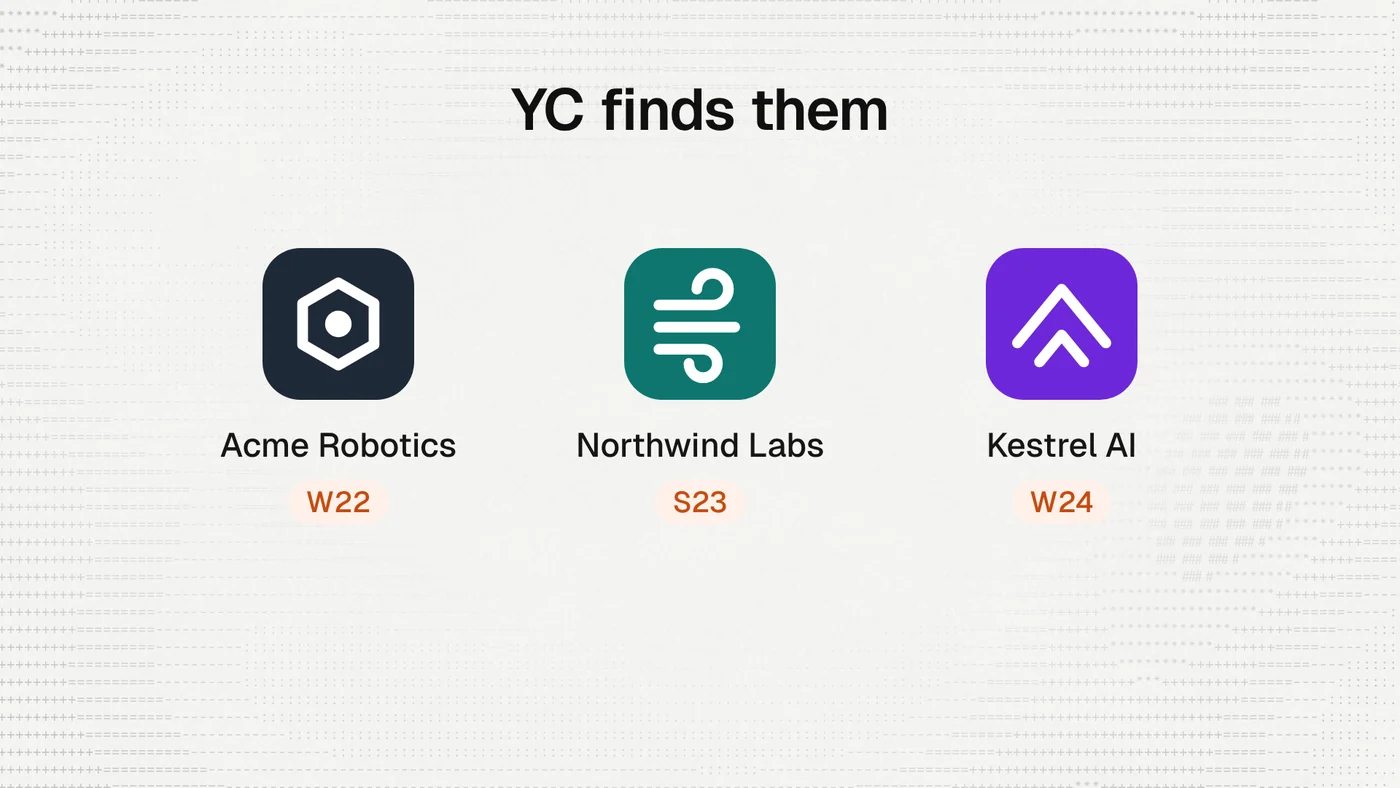
Once YC is connected, Dench can use it in chat. Ask in plain words:
- YC companies building warehouse robots
- Founders in the W24 batch who worked at a bank
- Add those three to my Accounts
Dench searches YC through your account and puts what you choose into your CRM.
See who can introduce you#
A cold email to a founder often goes unread. A note from someone they know usually gets answered.
Ask Dench who can introduce you to a company or a person. YC already knows both sides of that question: who you know, and who they know. Dench shows you the path through the person in the middle, and the reason for each link.
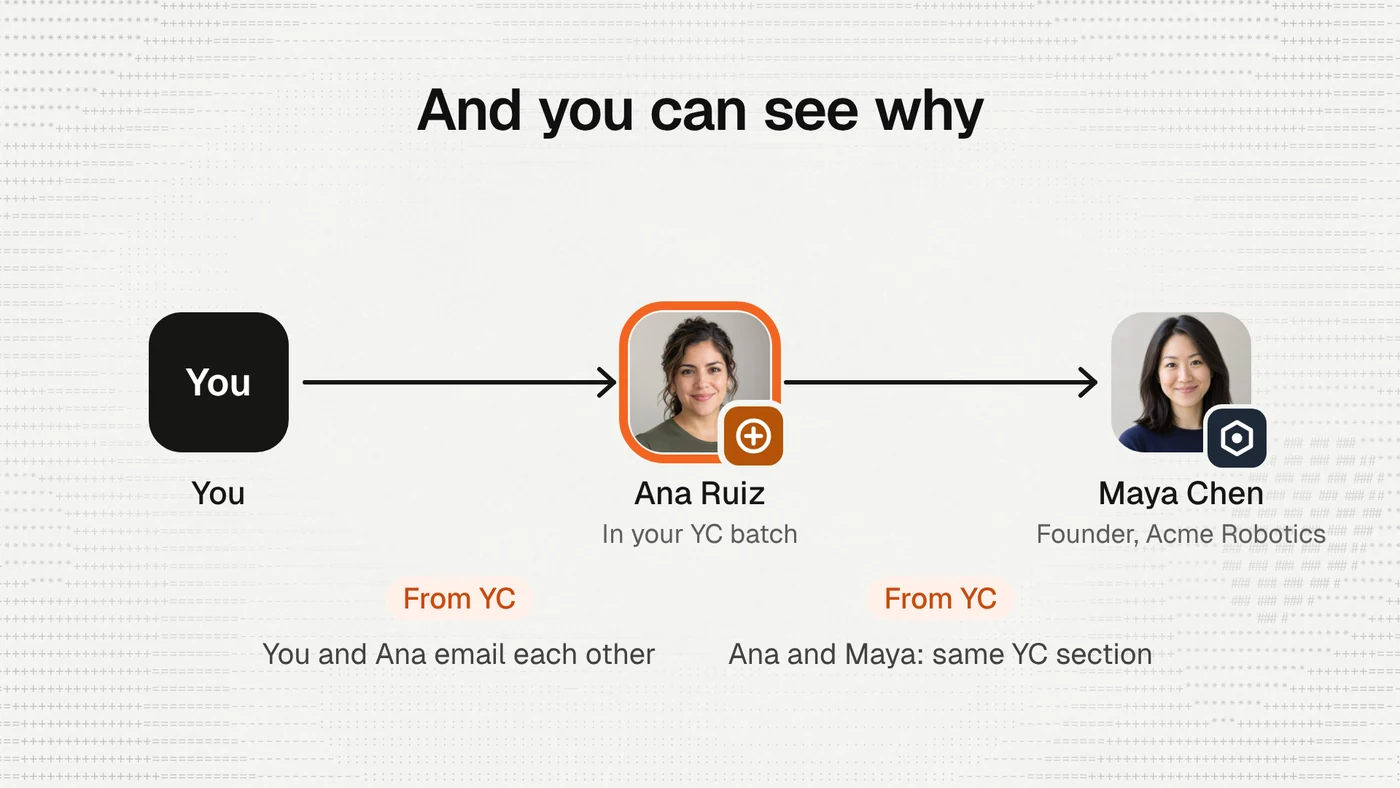
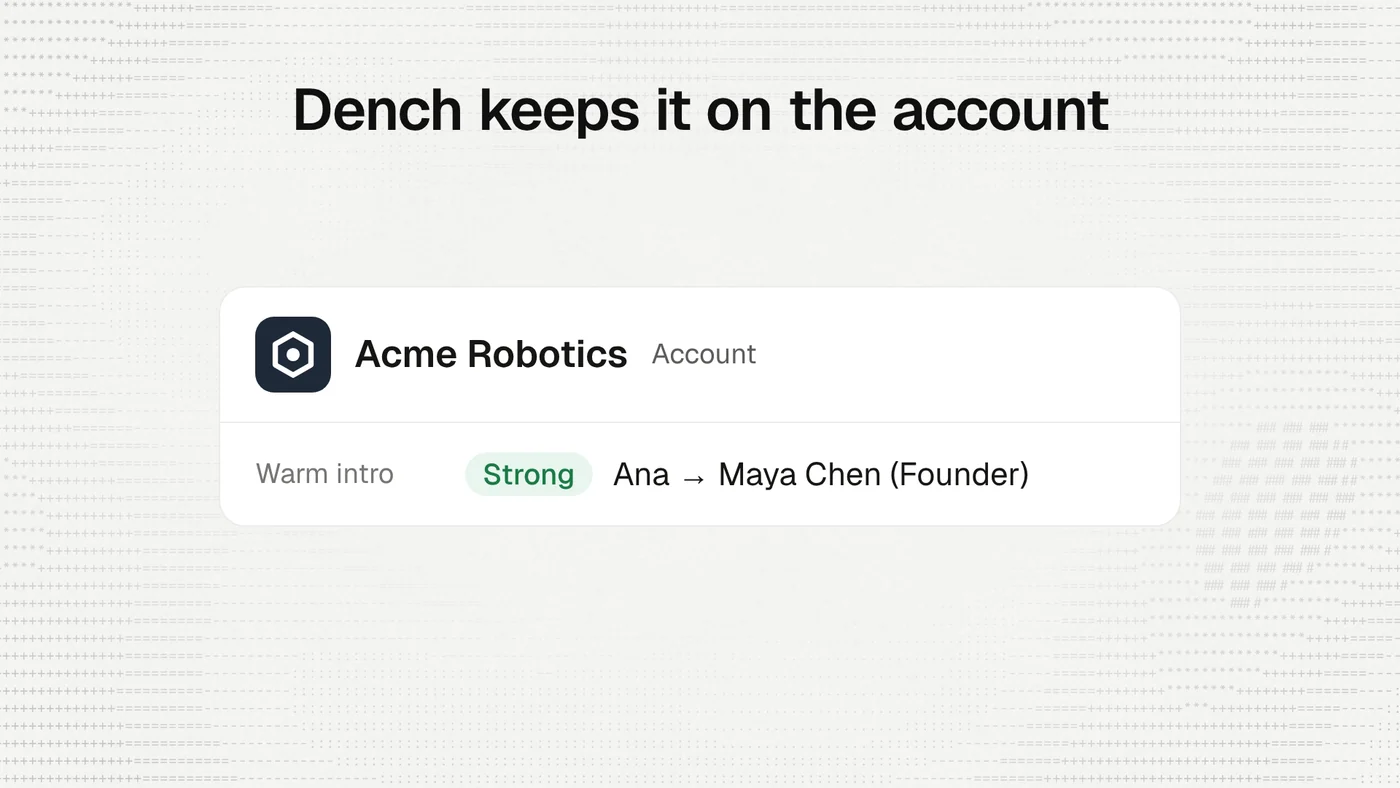
Every account and person in Dench also has a Warm intros tab. It lists the people you know there from your own email, meetings and LinkedIn, warmest first, and YC founders appear in it once YC is connected. In a table, the Warm intro column shows the best path for each row, so you can sort your accounts by who you can actually reach.
Then reach them#
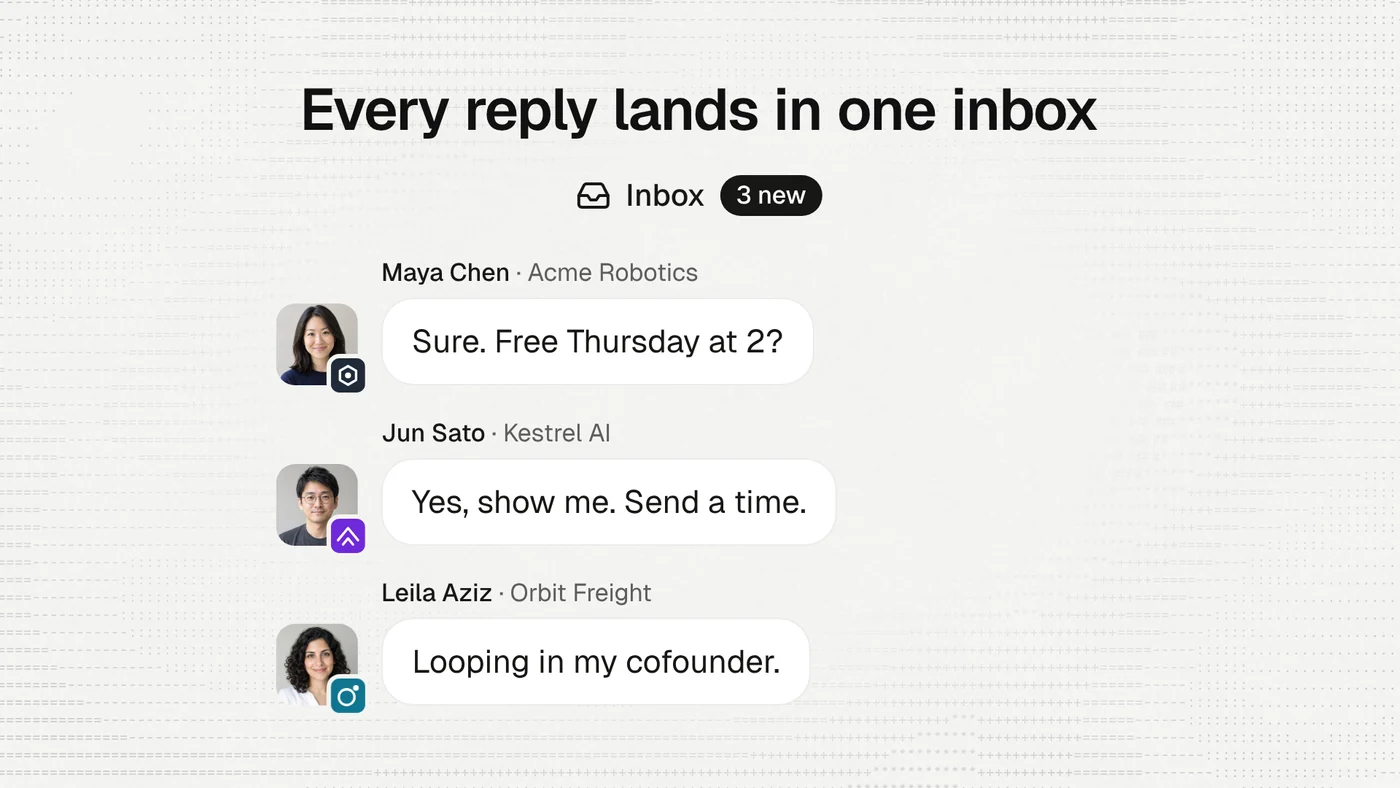
Finding the path is half of it. From a path, Dench drafts the message for you, and you send it by email or on LinkedIn. For more than one person, put them in a campaign and let it run. Replies come back to your inbox in Dench, on the right account.
What Dench will and won't do#
Your Bookface data stays yours. Dench reaches YC through your own sign-in, each time you ask. It does not copy Bookface into Dench, and it does not show what you see to anyone else in your workspace unless you share the connection.
Dench reads freely, and asks before it acts. If a message or a page it read tells it to send or delete something, Dench checks with you first.
YC sets its own limits, and Dench works inside them. YC says access to its connection is still rolling out, so a few founders may not be able to sign in yet.
Not only YC#
YC is the first. The same screen has Add MCP server, which connects any tool that offers one, by its address. It follows the same rule: private to you unless you share it.
Try it#
Open Integrations, then Custom MCP, and click Connect next to Y Combinator.
If you are a YC founder and new to Dench, we have a YC deal on Bookface.